12 Questions for Evaluating Insurance Defense Software

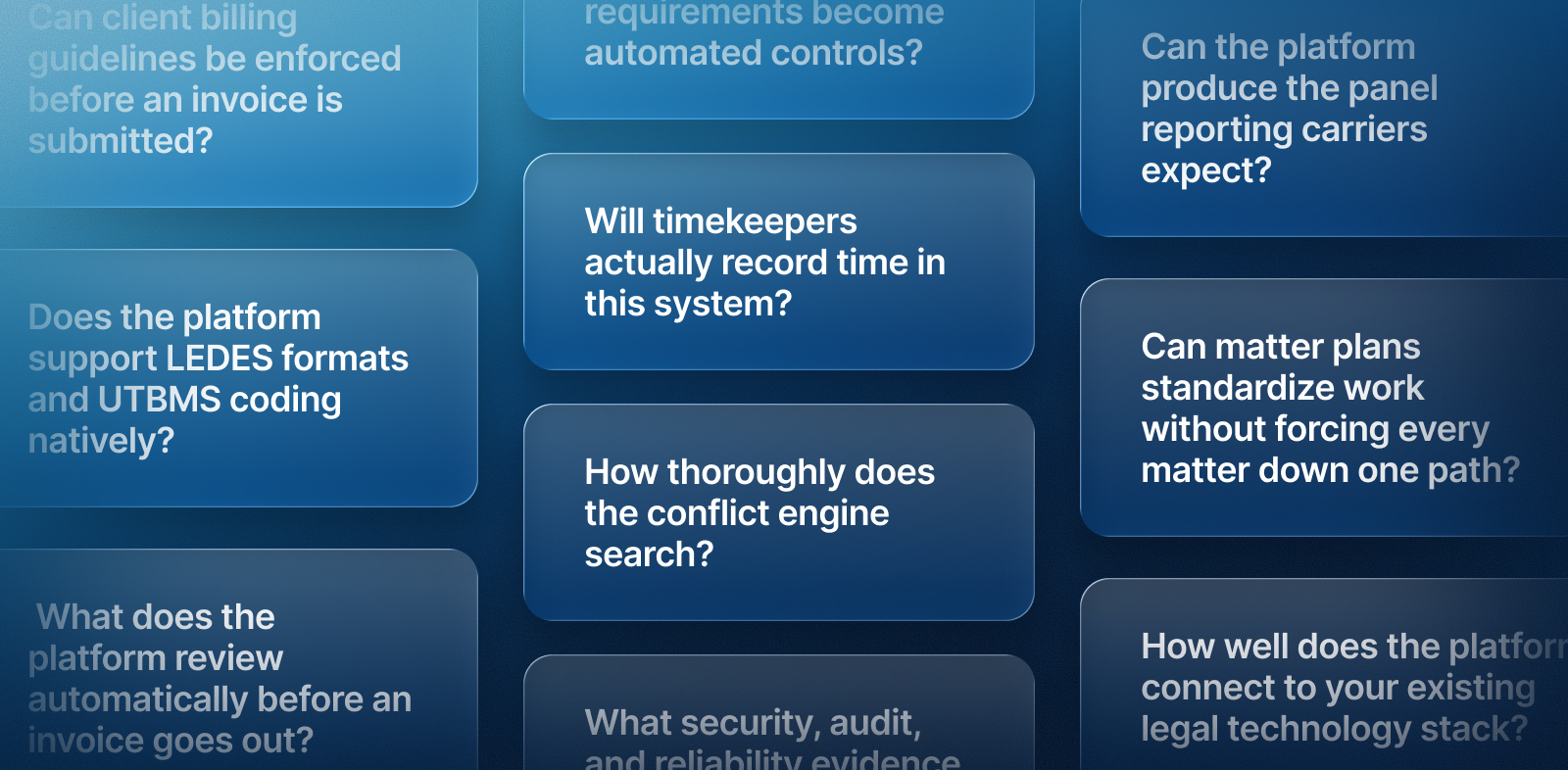
Insurance defense software has to do more than store matter files. It has to enforce carrier billing guidelines, produce LEDES-compliant invoices, protect claimant and medical data, and generate the panel reporting carriers use to allocate work. The 12 questions below provide IT directors, operations managers, and billing leaders a shared framework for vendor demos, covering billing integrity, compliance and security, workflow standardization, technology fit, and total cost of ownership.
Why insurance defense firms need a unique software evaluation
Insurance defense firms need a different software evaluation because much of their work runs on carrier rules: billing guidelines, staffing limits, invoice formats, and reporting cadence. High matter volume and layered billing arrangements make general legal software a poor fit, which is why insurance defense software has become its own category.
Firms that select on interface alone tend to find these gaps after go-live:
- Billing leakage from time that is never recorded or gets cut at review
- Guideline checks that depend on a billing specialist's memory
- Carrier reports assembled by hand from spreadsheets
- Matter data split across practice management, billing, and document systems
A useful legal case management software comparison starts with a joint scorecard, since IT, operations, billing, and attorneys each see different failure points. A general software evaluation checklist covers baseline requirements, while the questions below focus on defense-specific needs.
How should firms run the vendor demo?
Run the demo as a working session that keeps vendors comparable:
- Send each vendor a defense scenario in advance: one carrier's guidelines, a sample matter, and time entries.
- Have the vendor configure it live instead of describing a roadmap.
- Have every evaluator score against the same 12 questions.
- Log answers that need written evidence as follow-up items.
Four vendor answers sound alike but carry different costs:
- Supported: The capability works today without setup.
- Configurable: An administrator can set it up without code.
- Integrated: The platform exchanges data with a system you already own.
- Requires a third party: You will buy, contract, and maintain another product.
Billing integrity and client guidelines
1. Does the platform support LEDES formats and UTBMS coding natively?
It should support both natively. LEDES (Legal Electronic Data Exchange Standard) defines the invoice formats carrier eBilling systems accept, such as 1998B and LEDES XML, and UTBMS (Uniform Task-Based Management System) codes classify entries by task, activity, and expense.
Use these questions to evaluate the solution’s LEDES billing compliance:
- Does validation run before invoice generation, or only after a carrier rejection?
- Can code requirements vary by client and matter?
- Can one matter carry multiple rate structures and billing arrangements?
- Does time captured in Outlook keep its task code all the way to the invoice?
Many LEDES billing errors start with miscoded entries, so have the vendor build and validate a sample invoice on the call.
2. Can client billing guidelines be enforced before an invoice is submitted?
Yes, if carrier guidelines live in the system as rules instead of reference PDFs. Rules should apply at the firm, client, matter, timekeeper, and task levels and cover common carrier restrictions:
- Prohibited activities
- Staffing restrictions
- Narrative requirements
- Expense limits
- Approval thresholds
Next, examine exception handling. Does a violation trigger a warning or a hard stop, who is alerted, and does an override require documented approval? Administrators should update rules without development work when carriers revise guidelines. Enforcement at entry leads to fewer rejected invoices, lower write-down exposure, and shorter billing cycles, a shift that shows how far defense billing has evolved.
Carrier legal departments on the receiving side should ask the mirror-image question: can the platform review incoming panel invoices against guidelines at the line-item level and route exceptions to a reviewer before payment?
3. Will timekeepers actually record time in this system?
Timekeeper adoption decides whether billing controls have data to work with. Ask where time gets captured (Outlook and Word, mobile, or only a desktop timer), whether guideline warnings appear during entry instead of at pre-bill, and how long new timekeepers take to become productive.
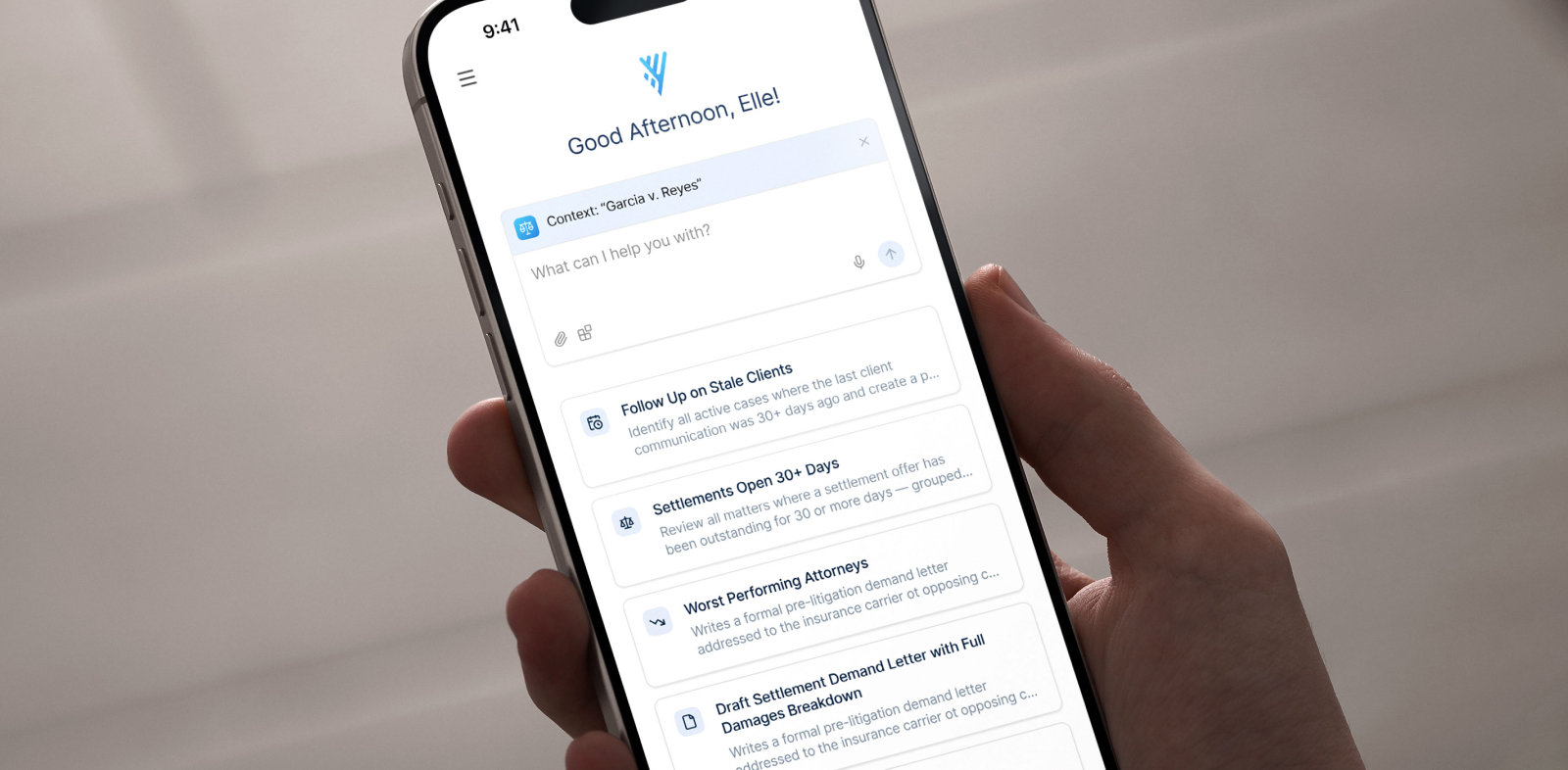
AI-assisted capture reduces manual work. LitifyAI Time Capture, for example, analyzes activity across tools such as Microsoft 365, Zoom, and Adobe, then drafts time entries with narratives aligned to client billing requirements. Litify estimates that in many firms, up to 30% of billable work goes unrecorded under manual timekeeping.
The attorney still reviews and approves each entry before it is finalized, so AI drafts and the timekeeper signs off. Ask any vendor how suggested entries are reviewed, edited, and rejected.
4. What does the platform review automatically before an invoice goes out?
Automated pre-bill review should catch what a billing specialist would otherwise find line by line. Ask which checks run automatically:
- Narrative quality and specificity
- Task code accuracy
- Staffing and rate compliance
- Duplicate entries
- Guideline violations
Then ask what happens with each finding. Is it explained and routed to an owner? Does the system block, warn, or queue it for approval? Does the same logic apply across every carrier, or must it be rebuilt per client?
AI adds the most value here when it is embedded in the platform and acts on data already captured, avoiding exports and handoffs. A structured set of legal AI buying questions helps test any AI claim a vendor makes.
Compliance, conflicts, and security
5. Which compliance requirements become automated controls?
Insurance regulatory compliance in defense work spans approvals, deadlines, retention, privacy obligations, escalation paths, and jurisdiction-specific procedures. The question is which of these become configured workflow and which remain checklists.
Ask how the vendor handles regulatory change after go-live and whether firm administrators can update rules themselves. Buyers weighing standalone insurance compliance management software should check whether those controls share data with matters and billing. Software provides the compliance infrastructure, while attorneys and compliance staff make the legal judgments.
6. How thoroughly does the conflict engine search?
A conflict engine should search every relationship that could create a conflict under ABA Model Rule 1.7 before a new matter is accepted. For defense work, that scope includes:
- Current and former clients
- Insureds, insurers, and affiliated organizations
- Claimants and adverse parties
- Witnesses and opposing counsel
- Related and historical matters
Ask about fuzzy matching, aliases, alternate spellings, corporate relationships, duplicate records, bulk checks, and false-positive management. Confirm whether matters stay blocked pending approval and how waivers and search history are recorded. The software surfaces potential conflicts, and attorneys decide how the rules apply.
7. What security, audit, and reliability evidence can the vendor produce?
Defense files hold claimant medical records, financial data, and privileged strategy. ABA Model Rule 1.6(c) calls for reasonable efforts to prevent unauthorized access to client information, and carriers often add requirements. According to the NAIC, 28 jurisdictions had implemented its Insurance Data Security Model Law as of August 2025, and the model includes oversight of third-party service providers.
Confirm these baseline controls:
- Encryption at rest and in transit
- Multi-factor authentication (MFA) and single sign-on (SSO)
- Role-based access with least-privilege permissions
- Backup and disaster recovery
Audit trails should show who changed what, when, and why, and the vendor should state which records are immutable. Ask how protected health information (PHI) is stored, accessed, and logged, and get uptime, support, and incident response terms in writing with service level agreement (SLA) remedies.
Request evidence over assurances: SOC reports, penetration testing practices, a subprocessor list, and breach notification commitments. NIST Cybersecurity Framework 2.0, with its Govern function and supply chain guidance, gives IT directors a consistent review structure.
Workflow standardization and carrier reporting
8. Can matter plans standardize work without forcing every matter down one path?
Strong matter plans are configurable templates by carrier, matter type, jurisdiction, practice group, and litigation phase, combining required and optional tasks, automated assignments, conditional logic, escalation, and document generation for repeatable pleadings and carrier correspondence.
Run these change tests live in the demo:
- Add a new carrier guideline
- Create a new matter type
- Modify the intake form
- Change an approval hierarchy
Note which changes require code or vendor services. The goal of standardizing matter management is administrative consistency, while attorneys keep strategic discretion and the system tracks supervised exceptions.
9. Can the platform produce the panel reporting carriers expect?
Panel reporting supports panel retention, because carriers use performance data to assign new matters. Look for the metrics carriers request most:
- Cycle time and time on desk
- Budget versus actual
- Billing compliance and write-downs
- Staffing mix
- Litigation phase and matter aging
- Resolution trends and SLA performance
Ask whether dashboards are live, with drill-down from portfolio to client to matter, or built monthly in spreadsheets. For each KPI, confirm the data source, dependence on manual entry, and whether reports reconcile to matter and billing records.
Carrier legal and claims litigation teams should ask the reverse: can the platform consolidate matter and spend data across the panel so claims executives compare firms on shared KPIs? Centralized litigation workflows give carriers that portfolio view.
Technology fit, migration, and scale
10. How well does the platform connect to your existing legal technology stack?
The platform should connect to every system that would otherwise become a data island:
- Microsoft 365 and Outlook
- Document management
- Accounting and ERP
- eBilling platforms and carrier portals
- Calendaring and e-filing
- Identity management
- BI tools and data warehouse
Ask whether each connection is native or a third-party connector, check API coverage and error monitoring, and ask who owns integrations after go-live, what breaks at upgrade, and whether internal IT can extend them without professional services.
11. What will data migration and implementation actually require?
Itemize migration scope: legacy and closed matters, documents, contacts, parties, billing history, notes, calendar events, and custom fields, plus cleansing and deduplication. Then assign an owner, vendor or internal IT, to each stage:
- Data extraction
- Field mapping
- Test migrations
- Validation and reconciliation
- Cutover
Implementation continues past go-live through training, adoption support, hypercare, and administrator enablement. Request a phased timeline with named owners and success criteria at 30, 60, and 90 days instead of a single go-live date.
Cost and proof
12. What is the real cost over three to five years, and what proof exists that it pays back?
The cost of case management software extends well beyond the license to implementation, migration, integrations, professional services, storage, API usage, training, support tier, custom development, and internal administration. Normalize quotes to cost per user and per matter against projected headcount, including renewal increases.
Ask what the lowest quote excludes, such as mandatory modules, migration limits, reporting upgrades, sandbox environments, or premium support.
Define the payback baseline before signing: time captured, write-down rate, collection rate, billing cycle duration, and administrative hours per matter. Litify's 2025 State of AI in Legal Report found that 67% of organizations increased AI investment in the past year, yet fewer than 15% reported a business impact.
Ask for references at comparable matter volume and billing complexity, and speak with operations and IT leads, not only the sponsor.
Choose a platform that enforces how your firm actually works
These 12 questions separate platforms that record defense work from platforms that enforce the rules around it. Carrier guidelines, regulatory obligations, and reporting expectations keep changing, so choosing the right case management software means testing how easily it adapts after launch.
Bring a real carrier guideline and a sample billing scenario, request a demo, and put Litify through the same 12 questions.
Grab your case management software evaluation checklist
Frequently asked questions
How is insurance defense software different from general legal case management software?
Insurance defense software is built around carrier requirements: billing guideline enforcement, LEDES invoicing, panel reporting, and high matter volume. General legal case management software tracks matters and deadlines but usually leaves carrier rules to manual review.
Does insurance defense software need to support LEDES billing?
Yes. Most carriers require electronic invoices in a LEDES format with UTBMS codes, so native LEDES support and pre-submission validation are baseline requirements. Litify supports custom LEDES templates and bulk invoice generation.
How do defense firms improve time capture without adding administrative work?
Firms improve time capture by moving it into the tools attorneys already use and adding AI-assisted entry drafting. LitifyAI Time Capture drafts entries from activity in tools like Microsoft 365, and attorneys review and approve each one before it is finalized.
What should be included when calculating the cost of case management software?
Include license fees plus implementation, data migration, integrations, training, support tier, storage, API usage, and internal administration time over three to five years. Normalize quotes to cost per user and per matter so vendors compare fairly.
How long does implementation and data migration usually take?
Timelines depend on data volume, integrations, and configuration scope. Ask each vendor for a phased plan with named owners and 30, 60, and 90 day success criteria instead of a single go-live date.
What uptime SLA should a defense firm expect from a legal software vendor?
Look for a written uptime commitment with defined remedies, support response times by severity, and a documented incident response process. Litify is built on the Salesforce platform, which Litify reports provides 99.99% uptime reliability.
What security documentation should a firm request from a legal software vendor?
Request SOC reports, penetration testing practices, a subprocessor list, breach notification commitments, and details on encryption, access controls, and audit logging. Frameworks such as NIST CSF 2.0 help structure the review.