AI for Law Firms: Why It Works Better Inside Your Platform


AI tools are easy to buy and hard to operationalize. An AI tool can only act on the information available to it. If it sits outside the matter record, it sees only part of the picture and does only part of the job. This article will show you how AI for law firms delivers more value when it's built into the legal software law firms already use to manage their cases and matters, and how Litify builds that intelligence directly into the work.
Most law firms have already bought AI. Far fewer have connected it to anything. According to Litify's 2025 State of AI in Legal Report, AI adoption in legal jumped from 23% in 2023 to 78% in 2025, yet fewer than 15% of organizations say they are seeing business impact from it. The gap rarely comes down to the model. It comes down to where the AI sits. Adding AI to a process gives the team one more tool to open. Building AI into the platform means it already has access to the same matters, rules, and workflows the team uses every day. That distinction should anchor any plan for evaluating legal AI tools.
What it means for AI to work inside your platform
AI working inside your platform means it uses the same records, permissions, and workflows as the rest of the organization. For AI in legal operations, the design choice determines what the technology can see and what it can do with what it finds.
A platform approach has three defining traits:
- Shared records. The AI reads from the same matter record the team works in, including history, documents, deadlines, and financials.
- Outputs that land in the workflow. Results arrive as a task, a routing decision, a field update, or a flag. No one copies text out of a chat window and pastes it somewhere else.
- Inherited controls. Permissions and audit trails carry over automatically. They're set once at the platform level, rather than separately in every tool that touches the data.
These traits separate enterprise legal AI from a standalone assistant. One just answers questions. The other acts on what it finds.
Platform-based AI vs. separate AI tools
Most legal teams start with a separate AI tool for each task, one at a time, which makes sense given how the market developed. The same Litify report found that most legal professionals rely on general-purpose tools such as ChatGPT (66%), Microsoft Copilot (42%), and Google Gemini (24%). A separate tool for each task is quick to adopt, but the work still has to be moved by hand from tool to tool, such as a summary copied out of ChatGPT and pasted into the matter record, for example. That back-and-forth is what separates standalone AI tools from AI-native platforms.
How separate AI tools work
- Each tool holds its own logic and data, so no single system sees the full matter.
- Users move between tools to complete one task, exporting a file from one and uploading it to another.
- Every new tool adds its own security review, its own contract, and its own administration.
- Outputs stay inside the tool and have to be re-entered in the system of record.
How platform-based AI works
- One record set, one permission model, and one place where work happens.
- AI has visibility into history, workload, and outcomes at the same time.
- New AI features get added to the same system, not bolted on as separate apps.
Why centralized data produces better AI outputs
An integrated model that can see intake source, attorney workload, prior outcomes, and spend can recommend who should handle a new matter and what it is likely to cost. On the other hand, a model that can see only the document in front of it can summarize that document and nothing more.
Fragmented systems slow people down, and they also limit how much the AI can actually see. Every gap between systems becomes a blind spot in the recommendation.
Legal AI use cases across the workflow
The most valuable legal AI use cases share one trait: each draws on data that already lives on the matter record and returns the result to the same place. Five areas show where AI in the legal industry produces practical results for law firms today.
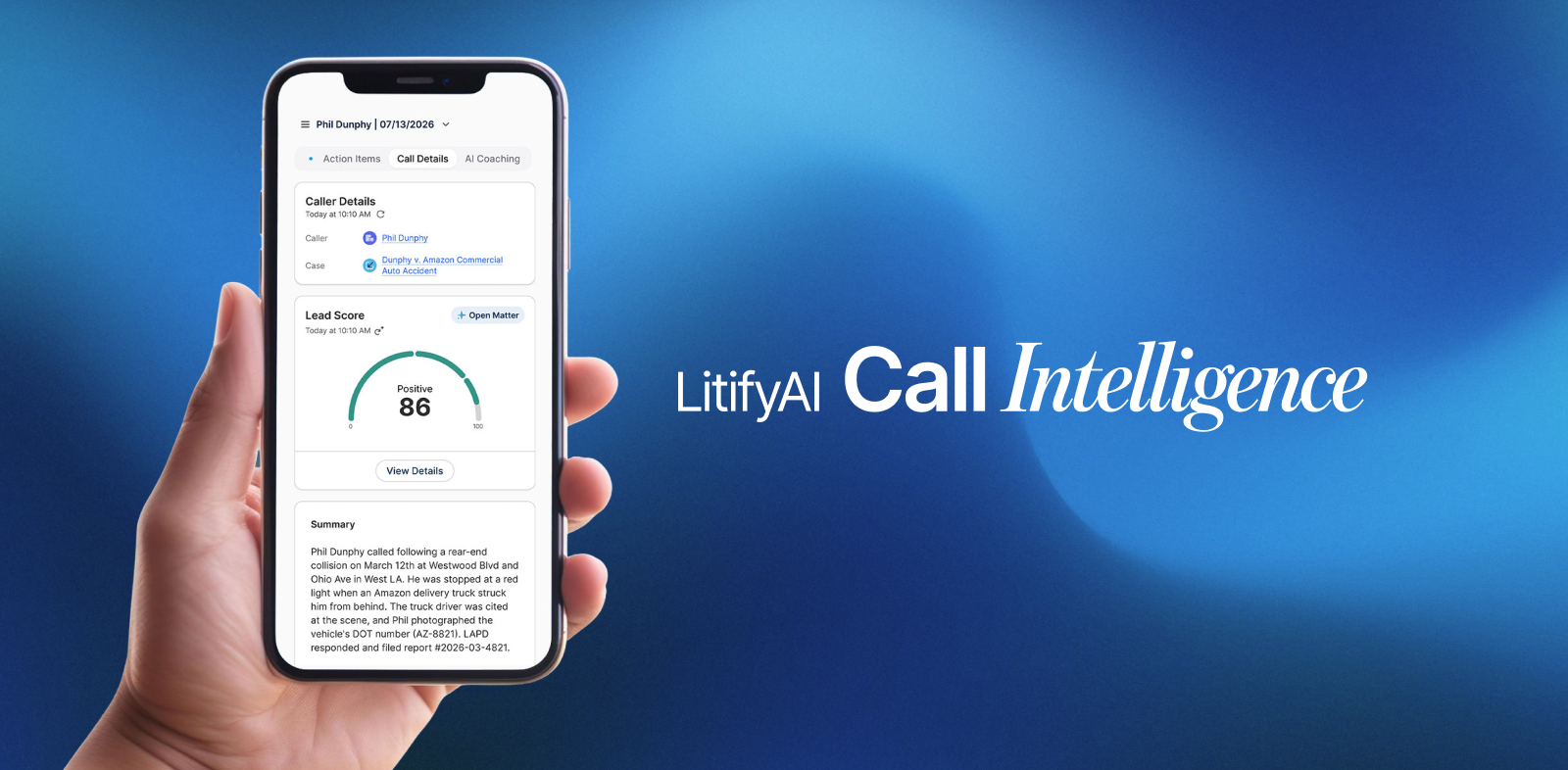
- Intake. AI cross-references each new intake against historical performance, current workload, and matter type, then routes it to the right attorney. It also synthesizes questionnaire answers, documents, and intake notes to flag gaps and next steps before anything enters the pipeline. At a plaintiff firm, a qualified case can move straight to a retainer sent for signature while the client is still engaged. AI can also power the entire intake process, automatically transcribing the call, creating records, and filling in the questionnaire.
- Matter management. AI flags what needs attention across the matter lifecycle before someone has to go looking for it, such as an approaching deadline, a stalled stage, or a matter that has gone unusually quiet.
- Document work. Generative AI drafts, summarizes, and extracts structured data from documents that already sit on the matter record. Because AI document workflows tie each output to the matter, nothing ends up in a separate file someone has to track down.
- Forecasting. AI uses similar past matters to predict how long a new one will take, how much staff time it will need, and what it's likely to be worth.
- Billing. AI reviews time entries against client billing guidelines before submission. Entries likely to be reduced or rejected get flagged, so attorneys can fix them first.
How AI integrations work with your other tools
When an integration keeps the matter record at the center, it extends what AI can do instead of fragmenting the work. Litify leverages the power of the Salesforce platform, so AI capabilities like Agentforce work directly with legal data already structured inside Litify. Because Litify leverages the power of the Salesforce platform, it also supports an open framework, so a firm can add a specialist tool for one workflow without fragmenting the record.
Litify integrations now reach content stored outside the platform as well. Litify ACE connects to external repositories such as iManage, Google Drive, and SharePoint, so legal teams can search, cite, and act on that content without leaving the conversation or migrating data.
The test for any integration is simple. Do outputs return to the matter record, or do they stop at the tool?
Security, governance, and responsible AI adoption
Security and governance protect a firm when clients, courts, or regulators start asking questions about how AI was used. In July 2024, the American Bar Association's Formal Opinion 512 tied lawyers' use of generative AI to six existing duties: competence, confidentiality, communication, supervision, candor toward the tribunal, and reasonable fees. Many organizations have not caught up. Litify's research found that fewer than half of legal professionals receive sufficient AI training, and even fewer work somewhere with an established AI policy.
Sound legal AI governance covers five areas:
- Access controls. AI outputs follow the same role-based permissions as any other record.
- Data handling. Leaders know where data goes, whether it is used for model training, and what the vendor commits to in writing.
- Audit trails. The system records what the AI recommended, what a person decided, and when.
- Human review. Anything client-facing or filed with a court gets a person's sign-off before it goes out.
- Written policy. Approved tools and approved uses are documented, so governance is not decided one matter at a time.
These controls are the practical side of responsible AI development, and they are far easier to enforce when they live in the platform.
A checklist for implementing AI across a legal organization
A legal organization should approach AI implementation as a sequence, where each step builds on the one before it.
1. Map where work actually breaks down
Start from the bottleneck rather than the tool. Identify the handoffs, delays, and rework that cost the most time, then decide which of them AI could address.
2. Consolidate the data before adding intelligence
AI applied to fragmented records returns fragmented answers. Bring intake, matter, document, and billing data into one system of record first.
3. Define governance before the first deployment
Decide approved uses, review requirements, and data handling up front. Retrofitting policy after rollout is slower and harder to enforce.
4. Start with one workflow and measure it
Pick a workflow with a clear baseline, such as intake response time or invoice review cycle. A measured result builds the case for the next deployment.
5. Plan for adoption, not just implementation
Configuration is the short game. Getting the team to change how they work is the long game.
How Litify approaches AI
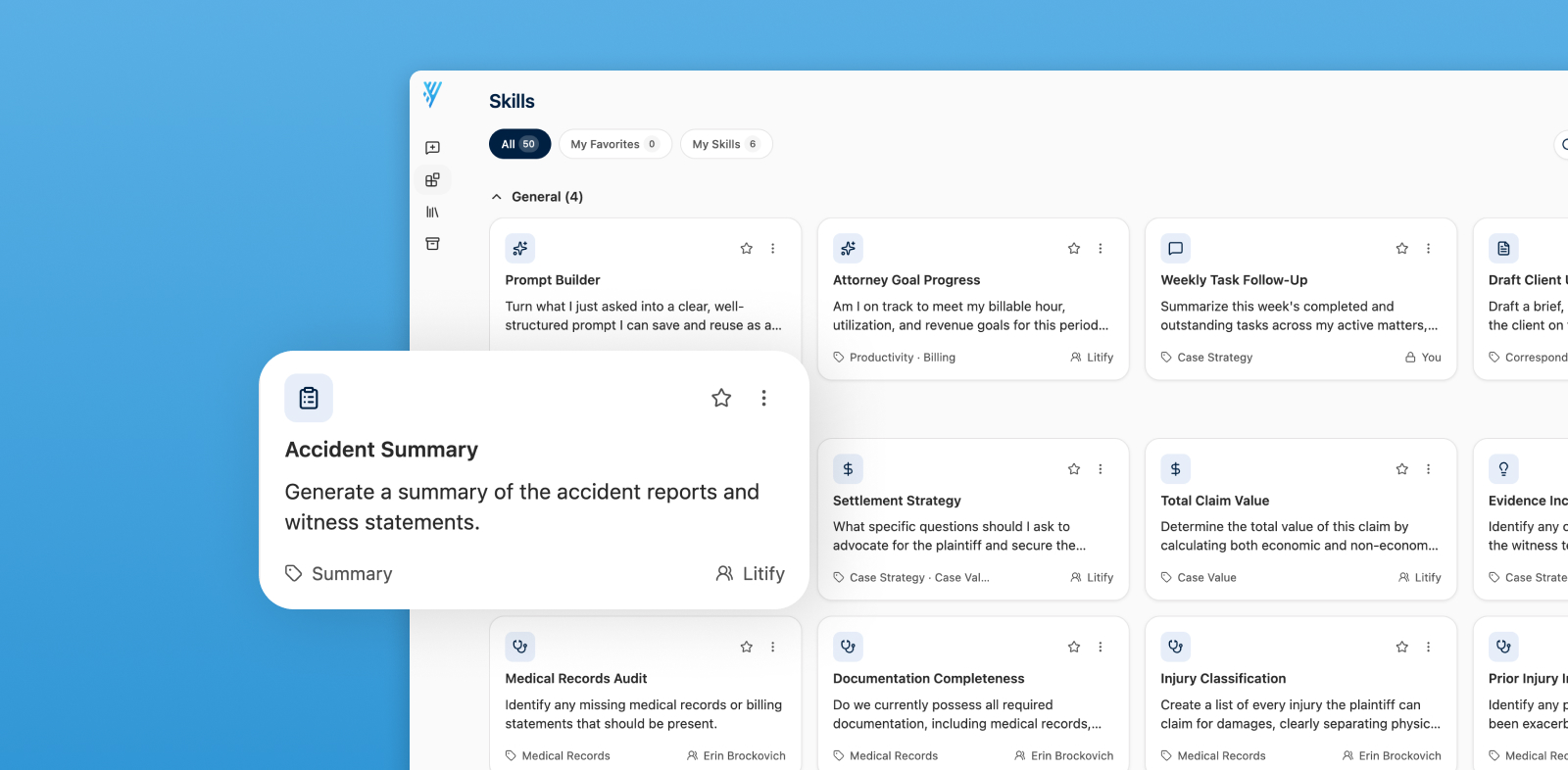
Litify is an AI-native platform of action. Intelligence is embedded directly in fields, actions, and workflows; not added on top as a separate application. Litify AI works on the full matter history inside one secure environment, and customer data is never used to train the model.
Litify ACE, the Agentic Case Expert, enables deep context on a single matter as well as firm-wide intelligence across all matters. Legal teams can surface stalled matters, approaching deadlines, or workload patterns, then act on them in bulk. Multi-step AI agents keep work moving without someone prompting each step, while people stay in control of strategic decisions.
For teams comparing legal AI software, this matters: with the power of Salesforce behind it and an open integration framework, new tools plug in instead of becoming one more disconnected app. In-house teams can see how this applies to them in the guide to integrating AI into corporate legal.
For law firms, choosing AI is an architecture decision. The question is not which AI tool to buy; it's whether the platform can turn what the AI finds into action. Request a demo to see Litify's AI-native platform of action at work.
Frequently asked questions about AI for law firms
What is AI for law firms?
AI for law firms is software that applies machine learning and generative AI to legal work such as intake, document drafting, matter management, forecasting, and billing. The most effective systems, like Litify’s, run inside the firm's legal operations platform. They use matter data that's already there, and they return results to the same workflow the team already uses.
What are the most common legal AI use cases?
The most common legal AI use cases are legal research, document drafting and summarization, intake qualification, deadline and risk monitoring, and billing review. More mature teams extend AI into forecasting and multi-step workflows that move matters forward automatically.
Is generative AI safe to use for legal work?
Yes, AI is safe to use when the right controls are in place. Safe use requires a vendor that does not train models on client data. It also requires role-based access controls, audit trails, and human review of anything client-facing or filed. ABA Formal Opinion 512 confirms that existing duties of competence and confidentiality apply to generative AI.
What is the difference between a legal AI tool and an AI-native platform?
A legal AI tool is a standalone application that performs a specific task on the data a user gives it. An AI-native platform, the approach Litify takes, builds AI into the system of record, so the AI sees the full matter history and returns its output as tasks, field updates, or routing decisions inside the workflow.
How should a firm start adopting AI in legal operations?
A firm should start by identifying its most costly bottleneck. From there, it can consolidate the relevant data and set governance rules before deployment. One good starting point is a pilot: a single measurable workflow, such as intake response time, that gives the firm a baseline before expanding further.