Common LEDES Billing Errors and How to Avoid Them

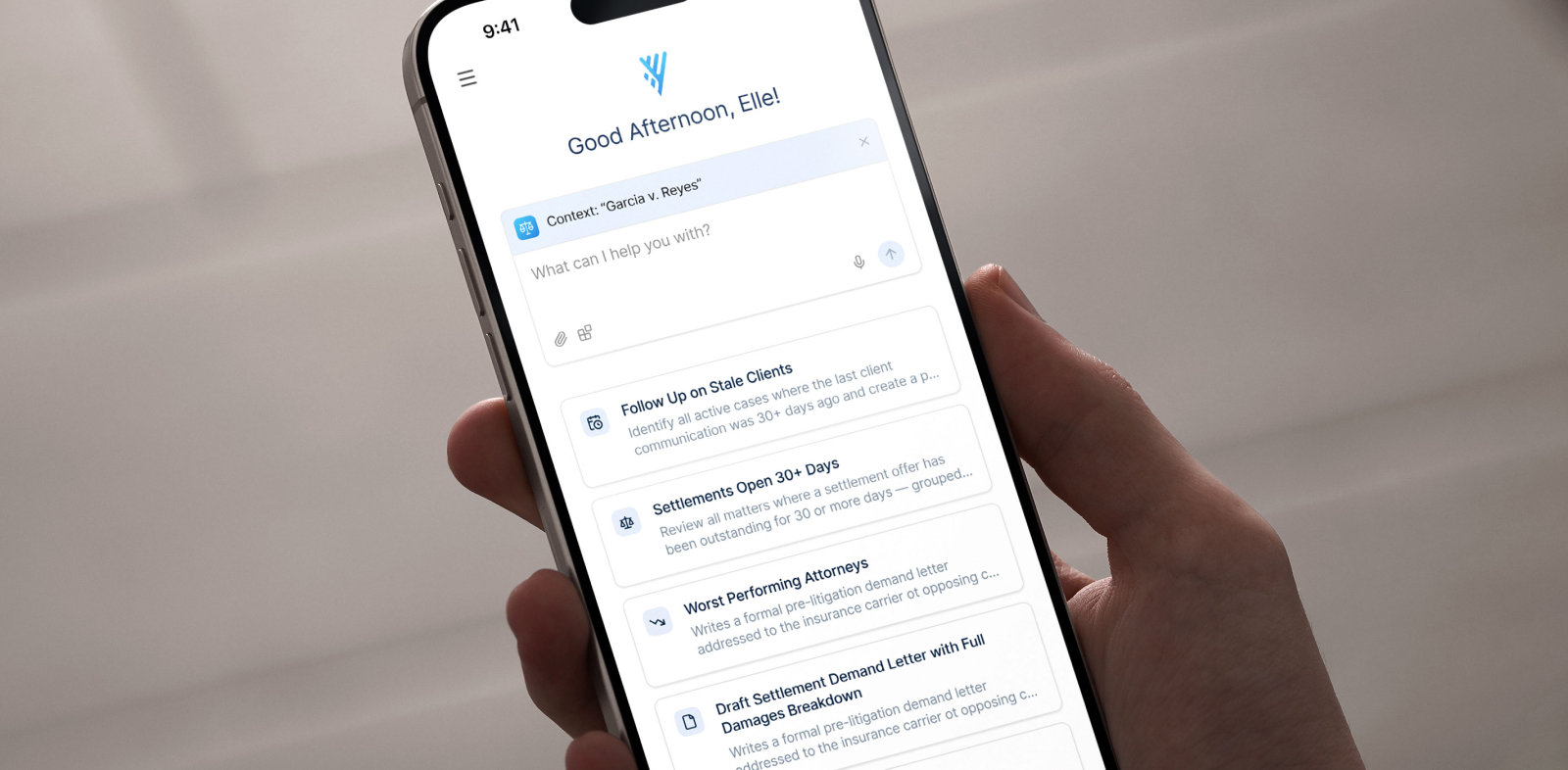
LEDES billing errors rarely come from bad lawyering. They come from small data problems: a timekeeper who was never approved, a task code that contradicts the narrative, a duplicate invoice number, a stray character that breaks the file. The LEDES Oversight Committee's Version 2 error code standard catalogs 65 distinct validation errors that can attach to fields across LEDES formats, and any one of them can delay payment. This guide breaks down the five error categories that cause the most rejections, provides your billing team with a pre-submission audit checklist to run every cycle, and shows how legal billing software validates invoices before they reach the portal.
Why LEDES invoice rejections are more than a billing annoyance
A rejected LEDES invoice is a collection problem disguised as a billing issue. One bad line item can stall an entire submission, pushing revenue into the next cycle. The rework is the hidden cost: someone has to interpret the error, trace it to a field, fix the source data, regenerate the file, and resubmit. This process is the main reason the LEDES Oversight Committee developed its standardized error codes, because firms were losing hours to non-standard messages that didn’t indicate what needed fixing.
Outside counsel guidelines make this stricter than ordinary invoicing. Insurance carriers and corporate legal departments enforce rules on who may bill, at what rate, under which codes, and with how much narrative detail. Standard invoicing forgives a vague entry. An eBilling portal does not.
That makes LEDES compliance a shared discipline, not a cleanup task handed to billing after a rejection lands. Attorneys control the narrative and the codes. Billing administrators control the roster and the file. Finance owns the result.
Which law firms submit LEDES invoices
Any firm that bills an institutional client through an eBilling portal submits LEDES invoices, including insurance defense firms billing carriers and other firms billing corporate legal departments, through platforms such as Legal Tracker, CounselLink, Passport, or TyMetrix.
The format follows the client's billing program, not the practice area. Contingency and flat-fee work generally sits outside LEDES, and one firm can have some matters under strict eBilling rules, and others invoiced conventionally. For background on how these standards emerged, see the evolution of legal billing for defense firms.
The five most common LEDES billing errors
1. Formatting and file structure errors
Formatting errors break the file before anyone reads a line item: missing required fields, incorrect delimiters, invalid date formats, and special characters that disrupt parsing in narrative fields. These are the most likely to be fatal, meaning the file is rejected outright rather than flagged line by line.
The fix: Validate file structure before every upload. Automated validation catches faults in seconds that no human spots in a pipe-delimited text file.
2. Matter and invoice identification errors
Identification errors happen when the invoice is well-formed but includes incorrect data:
- Wrong claim, policy, matter, or purchase order numbers
- Duplicate invoice numbers, which portals reject on sight
- Invoices submitted outside the client's billing window
- Identifiers that drifted after a matter was renumbered client-side
The fix: Compare identifiers with the client's matter setup and confirm that invoice IDs are unique before export.
3. Timekeeper data errors
Timekeeper errors are the most common avoidable rejection at high-volume firms because rosters change faster than rate schedules. Watch for:
- Timekeepers never approved for the matter
- Rates that don’t match the approved rate schedule
- Inconsistent timekeeper profiles across the firm's systems
- Missing or incorrect timekeeper classification values
The fix: Audit the roster against approved rate schedules on a set cadence, and block new timekeepers from billing until the client approves them. An associate who bills six hours before approval creates a rejection that no narrative polish will fix.
4. UTBMS code mismatches
The Uniform Task-Based Management System (UTBMS) sorts work into task codes (the service provided, by area of law), activity codes (what you did, such as drafting or researching), and expense codes. The vocabulary is tighter than most people assume, which is part of why mismatches happen: the ABA litigation code set contains five phases, 29 task codes, and 11 activity codes.
Mismatches occur when the code conflicts with the work the narrative describes. Drafting that is coded as communication, administrative work coded as legal work, or a phase code that is absent from the client's chosen set. Reviewers catch these because code and narrative are validated together.
The fix: Review code and narrative together before invoice generation rather than treating coding as post-entry cleanup. When the person who did the work selects the code, accuracy increases.
5. Narrative and guideline violations
Narrative violations are judgment calls reviewers make against outside counsel guidelines. The perennial offenders are vague descriptions ("Review file" or "Work on discovery") and block billing, which bundles several tasks into a single entry, so no reviewer can assess any single task.
The error code standard shows how mechanical this has become. Clients append the code to the error text, so a firm receives "Bulk billing not allowed [1012-0053]," where 1012 identifies the time entry description field, and 53 is the bulk billing error.
The fix: Split entries by task and add specific, defensible context. "Draft motion to compel responses to first set of interrogatories" will survive the review. "Work on discovery" will not.
A pre-submission LEDES audit checklist
Run this every cycle. Order is important because the prior step is always less expensive than the one that follows it.
- Confirm the client's guidelines before time entry. Rate schedules, approved timekeepers, code sets, billing windows, and narrative standards should be provided to attorneys before they record an hour.
- Validate people and narratives before invoice generation. Check the roster against approved rates, then review narratives for vagueness, block billing, and code alignment while entries are still easy to edit.
- Reconcile invoice data before export. Verify claim, policy, matter, and purchase order numbers against the client's matter setup, and confirm that the invoice number is unique and that the period falls within the billing window.
- Validate the file before submission. Confirm structure, delimiters, required fields, and date formats. This is the last checkpoint, costing minutes rather than a cycle.
- Track outcomes after submission. Log every rejection by error code and root cause, which tells you whether you have a training gap, a stale rate schedule, or an undocumented client rule.
Steps #1 and #5 are the ones firms often skip, and they are the two that compound. Without step #1, you correct the same errors forever. Without step #5, you never learn which errors you keep making.
How Litify prevents LEDES rejections before submission
Manual compliance breaks as the volume increases. Codes are chosen without guidance, guidelines are compared by hand against an outdated PDF, rates live in a disconnected spreadsheet, and rejections are tracked after the fact in an inbox. That process may survive a handful of matters a month, but not hundreds.
Litify moves compliance upstream by tying billing rules to the matter record, configured to each client’s guidelines rather than a generic ruleset:
- Automated and AI-powered time capture records billable work while it happens, so narratives and billing codes are applied consistently instead of being reconstructed from memory at month-end.
- Automated matter plans and task lists route the right tasks to the right timekeepers when a matter opens, so a paralegal-level task is not billed at an attorney's rate.
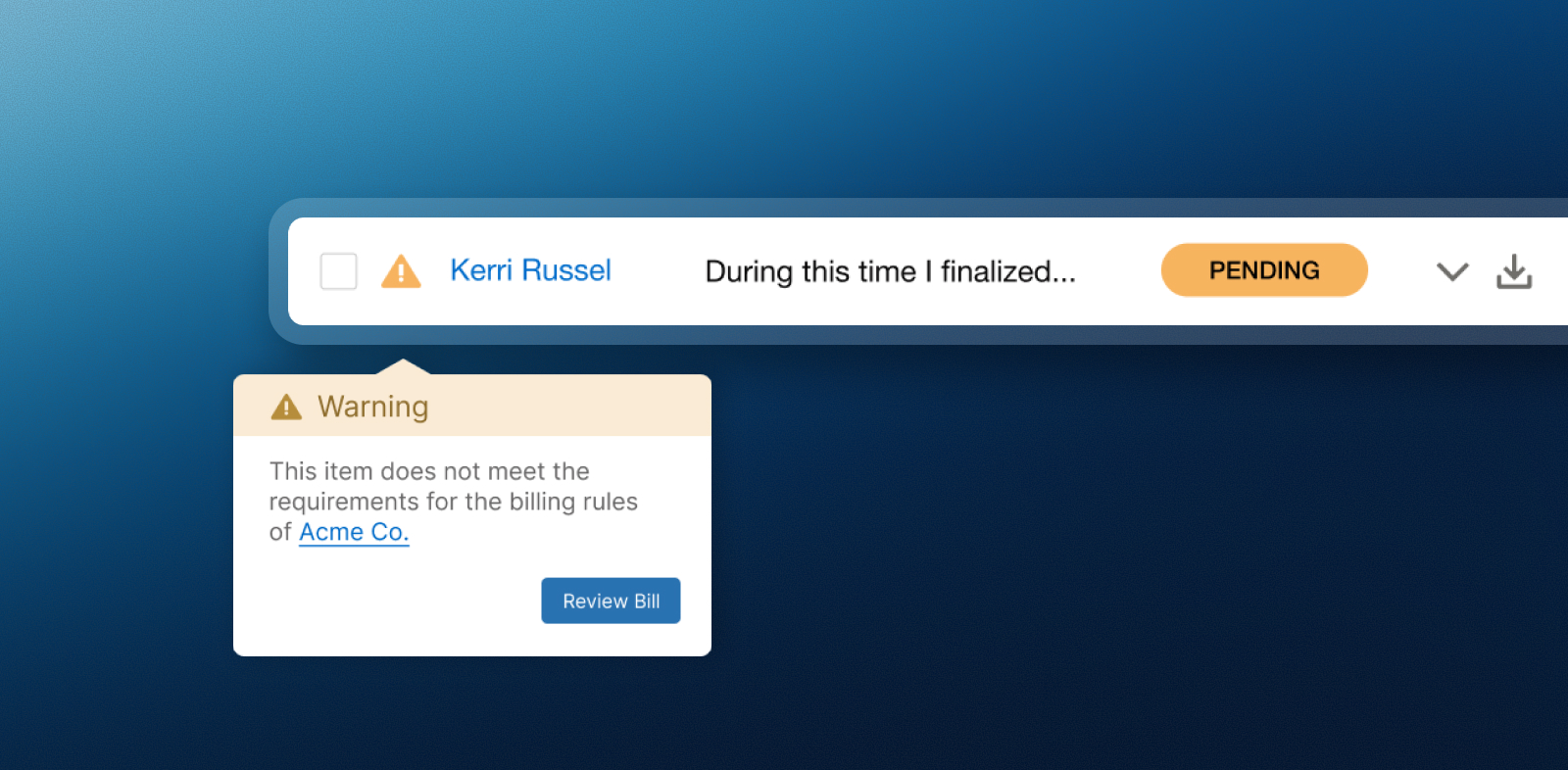
- Billing rules can be set at the firm, client, or individual matter level, flagging errors the moment they are entered so the timekeeper can correct them in real time, not at the end of the month.
- Pre-billing on the same platform as time entry keeps attorneys and the billing team on a single source of truth. Pre-bills are reviewed directly from the matter page and approved without emailing versions back and forth between disconnected systems.
- Legal AI innovation handles back-office tasks like scheduling to reduce your administrative load on non-billable work.
For defense practices, those controls sit inside insurance defense case management software rather than bolting onto it.
Corporate teams on the receiving side of LEDES files can run the same engine for automated eBilling, so both parties validate against identical rules, including:
- AI-powered invoice review examines invoices at the line-item level against pre-set billing rules, flagging inconsistencies between rules, budgets, and line items.
- Rate management tracks rate cards across firms and practice areas and automatically blocks deviations.
- Milestone-driven budgeting works from UTBMS phases and task codes, applying spend to the correct hierarchy.
- Global tax support handles multi-currency submissions and international tax compliance.
Treat LEDES compliance as a repeatable workflow rather than a monthly scramble, and the work shifts from reactive correction to proactive quality control. The invoices still get scrutinized. They just stop coming back.
Request a Litify demo to see how Litify supports LEDES billing compliance.
Key takeaways
- Five error categories cause most LEDES invoice rejections: File formatting, matter and invoice identification, timekeeper data, UTBMS code mismatches, and narrative or guideline violations.
- LEDES 1998B is an ASCII, pipe-delimited format with 24 fields and remains the most widely used eBilling standard in the US legal industry, according to the LEDES Oversight Committee.
- Not every rejection is fatal. The LEDES error code standard separates fatal errors, which reject the file outright, from validation errors and procedural errors, which flag a value against the client's rules.
- Prevention beats correction. Catching a rate mismatch before export costs minutes. Catching it after rejection costs a billing cycle and appeal.
- Litify applies billing rules at the line-item level, flagging non-compliant entries, unapproved rates, and guideline conflicts before submission.
Frequently asked questions about LEDES billing
What is a LEDES invoice?
A LEDES invoice is a machine-readable billing file formatted to a standard published by the LEDES Oversight Committee, allowing a client's eBilling system to automatically validate codes, rates, dates, and timekeeper data. LEDES stands for Legal Electronic Data Exchange Standard.
What is the LEDES 1998B format?
LEDES 1998B is an ASCII, pipe-delimited file format containing 24 fields, and it’s the most widely used eBilling standard in the US legal industry. The LEDES Oversight Committee has stated it doesn’t intend to modify the format in the future.
What are UTBMS codes in legal electronic billing?
UTBMS stands for the Uniform Task-Based Management System, a set of codes that classify legal services on an electronic invoice. It covers task codes (the service provided by the area of law), activity codes (the specific action performed), and expense codes.
Which law firms need to submit LEDES invoices?
Any firm billing an institutional client through an eBilling portal needs to submit LEDES invoices. That includes insurance defense firms billing insurance carriers and other firms billing corporate legal departments through portals such as Legal Tracker, CounselLink, Passport, or TyMetrix. The requirement follows the client's billing program, not the practice area, so contingency and flat-fee work generally sits outside LEDES.
Why do clients reject LEDES invoices?
Clients reject LEDES invoices for file structure faults, mismatched matter or invoice identifiers, unapproved timekeepers or rates, UTBMS codes that conflict with the narrative, and narrative problems such as block billing or vague descriptions. Most rejections trace to data that was wrong before the file was generated.
Are all LEDES errors fatal?
No. The LEDES error code standard distinguishes fatal errors, which cause the file to be rejected, from validation errors, in which a value is checked against the client's rules, and procedural errors, in which a value violates a client-mandated procedure. Knowing which type you received tells you whether to fix the file or fix the entry.
What are LEDES standardized error codes?
LEDES standardized error codes are a structure for identifying eBilling validation errors consistently from system to system and client to client. Version 2, ratified by the LEDES Board in September 2024, identifies 65 unique errors that can apply to fields across the various LEDES billing formats. Clients append the code in brackets to the error message, producing entries such as "Bulk billing not allowed [1012-0053]."
How does legal billing software help prevent eBilling rejections?
Legal billing software prevents rejections by validating invoices against client billing rules before submission rather than after. For the firm submitting, that means capturing time with consistent codes and narratives, routing tasks to the right timekeepers and rates, and flagging billing errors the moment they are entered so they can be corrected in real time rather than at month-end. Reviewing pre-bills in the same platform used for time entry closes the gap where errors usually slip through.