AI-Powered Case Management: Efficiency Without Sacrificing Accuracy


AI can help law firms increase efficiency without compromising accuracy when automation is applied based on risk. This article explores a risk-tiered approach to AI legal workflow automation, showing how legal teams can use AI-powered case management and legal operations to automate routine administrative work while maintaining human oversight for high-risk decisions. It outlines which tasks are safe to automate, which should remain human-led, and the controls needed to ensure reliable outcomes. For firms evaluating legal case management software, the guide provides a framework for implementing AI responsibly to improve productivity, compliance, and effective matter management at scale.
Accuracy is one concern holding legal teams back from AI-powered case management, and with good reason. In the Litify State of AI in Legal Report, 60% of attorneys named accuracy as one of their top concerns about AI tools. In legal work, a transposed date or a mis-calendared deadline is not a harmless typo. It’s a malpractice exposure.
But the firms getting real value from AI aren’t the ones automating the most. They are the ones automating the right tasks. This guide lays out a risk-tiered approach to AI legal workflow automation for firm leaders, legal operations teams, and practice managers evaluating an AI-powered legal platform. The goal is simple: faster case lifecycles without trading away the accuracy your license depends on.
Why AI case management feels risky for law firms
Legal work resists automation because the cost of a single error is greater than the time an automated step saves. A marketing team that sends a flawed email loses a click. A firm that misses a court deadline can lose the case and face a malpractice claim.
The ABA's Profile of Legal Malpractice Claims has consistently found administrative errors, including the failure to properly calendar deadlines, among the largest categories of claims, second only to substantive legal mistakes. Missed dates, lost documents, and clerical slips are exactly the kinds of issues people expect software to fix.
Meanwhile, Litify’s latest AI in Legal Report found that AI adoption jumped from 23% in 2023 to 78% in 2025. The question is no longer whether to adopt, but how to do it without inheriting the accuracy problems that worry three-quarters of the profession. When done well, legal workflow automation targets the very administrative errors that drive those malpractice claims. Done carelessly, it multiplies them.
The real risk is undifferentiated automation: applying the same level of trust to every task regardless of what happens when it goes wrong. Triaging an intake questionnaire and coaching a live client call carry very different risks, and they should not get the same level of automation. Once you stop treating every task as equal, the speed-versus-accuracy trade-off mostly disappears.
A risk-tiered approach to AI legal workflow automation
The way to automate safely is to grade each task before you apply AI. It’s called risk-tiered automation, and a simple scoring habit makes it repeatable.
For any workflow, ask four questions:
- Client impact: How badly does an error hurt the client or the matter?
- Reversibility: Can a mistake be caught and undone, or is it final the moment it happens?
- Deadline criticality: Does the task touch a court-rule deadline or a statute of limitations?
- Privilege exposure: Does it handle confidential or privileged material?
Score high on these, and the task needs heavy oversight. Score low, and you can let AI run with a light touch. Some teams formalize this as a Casework Automation Risk Score, or CARS, but the label matters less than the discipline of grading before automating.
Those scores sort cleanly into four automation tiers:
- Auto-approve: Low-stakes, reversible, no deadline or privilege exposure. AI acts, and a human spot-checks later, if at all.
- AI + spot-check: Routine tasks where occasional sampling is enough to catch errors or hallucinations.
- AI + mandatory review: Medium-to-high stakes where AI drafts and a person approves before anything is shared further.
- Human-only: Zero-tolerance zones where AI doesn’t act, though it may surface information for a human to decide on.
The higher tiers are also where agentic AI for legal workflows proves its value, executing multi-step tasks end-to-end, but only within the approvals and permissions you have set.
This same model doubles as a procurement tool. Score the workflows you care about, then ask whether a vendor lets you configure permissions and approvals to match each tier. If the answer is no, the tool is making your risk decisions for you.
What is safe to automate vs. what should stay human
The fastest way to apply the model is to start from both ends. Some tasks are safe to automate today. Others should stay in human hands, no matter how good the tool gets.
Safe to automate now
These are the high-volume, low-risk, reversible tasks where speed compounds and surprises are rare:
- Templated task creation from matter type and phase, so every new file opens with the right checklist already in place.
- Data normalization and duplicate detection for names, addresses, and party roles, which quietly prevent the bad-data errors that corrupt everything downstream.
- Internal status summaries for team handoffs are clearly labeled as summaries rather than findings.
- Routine reminders, follow-ups, and missing-information nudges that keep matters moving without a person chasing them.
Turn these on, and a paralegal's day gets easier without anyone risking a filing.
What must stay human?
These are the zero-tolerance zones. AI can assist by surfacing or drafting, but a qualified person decides and signs off:
- Filing decisions, legal positions, and representations to a tribunal.
- Final review of outward-facing submissions such as pleadings, demands, and discovery responses.
- Trust accounting controls and client-fund movements. This is the IOLTA line, and it does not move.
- Client communications that create reliance or waive rights.
Drawing this line firmly makes the rest of your automation more trustworthy, because everyone knows where the guardrails are.
Engineering accuracy into AI matter management
Knowing what to automate is half the job. The other half is making the automated parts reliable enough to defend. Accuracy in AI matter management is a design outcome, and four controls do most of the work:
- Confidence thresholds with an "I don't know" setting: A tool that flags uncertainty beats one that sounds confident and is wrong. Hallucinated facts in summaries are a documented failure mode, and the ABA's ethics guidance calls them out by name.
- Mandatory source citation: Every extracted field, date, or figure should link back to a document location so a reviewer can verify it in seconds rather than re-reading the whole file.
- Two people review high-risk output, while sampling the rest: Match review intensity to the tier. Not everything needs two sets of eyes, but the human-only and mandatory-review tiers do.
- Fast, structured review: Approve, edit, or reject with reason codes, so oversight stays quick and feedback improves your templates rather than fixing one error at a time.
These controls matter most in AI document drafting and review, where a model's extraction or summary becomes part of the work product a court or client will rely on.
This is where ethics meets operations. ABA Formal Opinion 512, the profession's first formal guidance on generative AI, ties a lawyer's duties of competence, confidentiality, and supervision directly to how AI output gets reviewed. Building citation and review into the workflow is how you turn "we used AI carefully" from a hope into a record.
Litify AI with built-in oversight
Everything above describes a set of criteria: tiered automation, configurable approvals, source-cited output, and role-based control. Litify's AI-powered legal software meets them inside the case management platform rather than being bolted on as a separate tool.
Oversight is seamlessly built into the workflow through three core components:
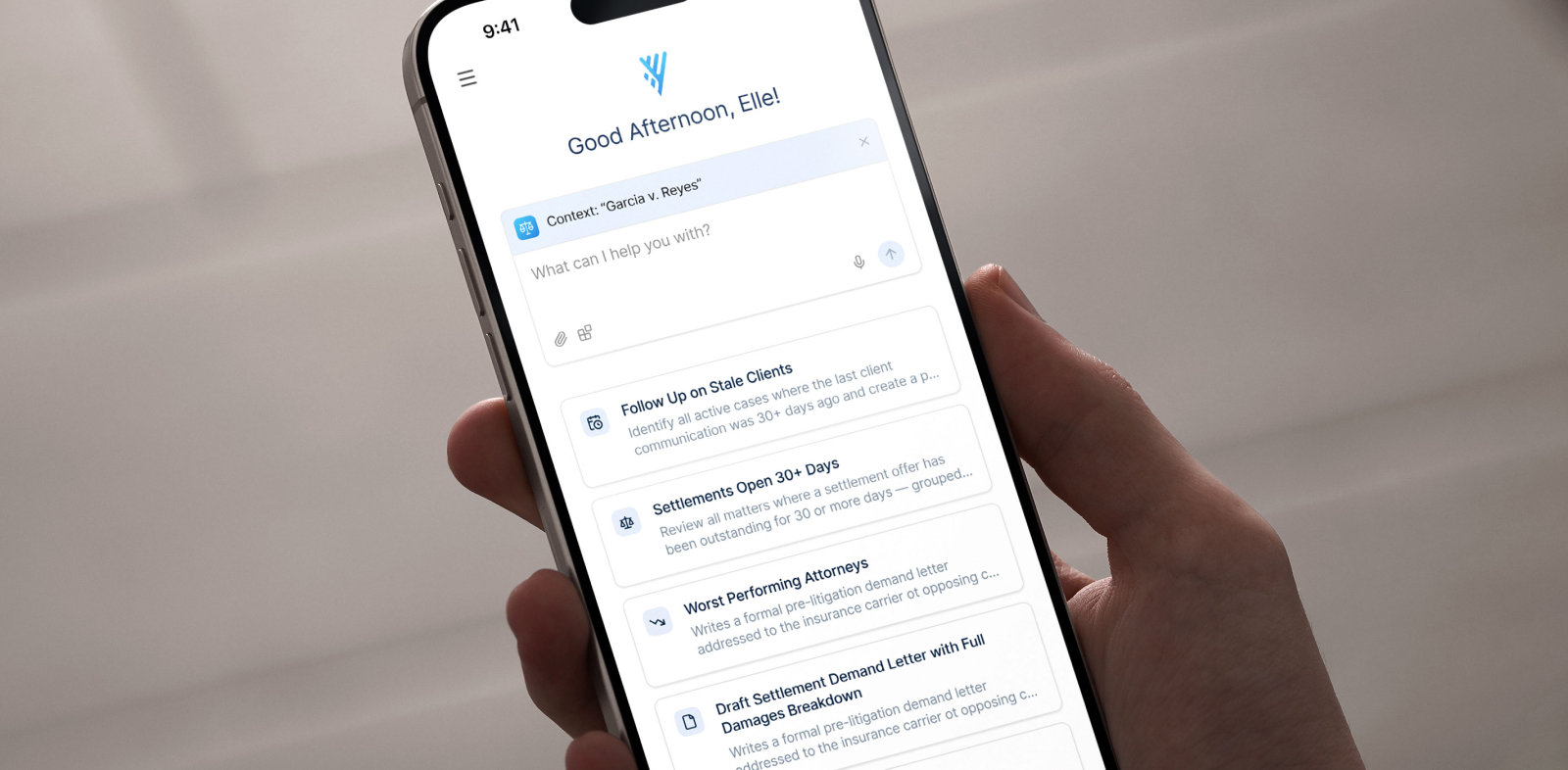
- Embedded, workflow-native assistance that already knows the context of your matters, meaning you don’t need to copy-and-paste information from outside your system of record.
- Configurable approvals and role-based permissions, so an AI suggestion never skips the human review. Tasks are routed to the right person, and drafts are flagged for attorney review before anything is finalized.
- Standardized matter plans and task templates that give the AI a consistent structure to work with, keeping automated steps inside defined guardrails and cutting the rework that drags down efficiency.
Because the AI works where the matter data already lives, the human-in-the-loop checkpoints are part of the workflow, not an extra step someone has to remember.
Faster case management with accuracy engineered in
The firms that win over the next few years are the ones that automate deliberately, grading each task by risk and through engineering review, and integrating them into the relevant workflows. Speed and accuracy stop competing the moment you stop treating every task the same.
See how risk-tiered automation looks across a live case lifecycle. Request a Litify demo to map your own workflows to the tiers that fit your firm.
Key takeaways
- The speed-versus-accuracy trade-off is a configuration choice, not an unavoidable cost. The firms that get the most ROI from AI automate the right tasks while humans handle the rest.
- The highest-risk work keeps a human in control. Client-fund movements never touch AI, while filing decisions and representations to a tribunal can use AI support, with a lawyer handling the final review and sign-off.
- Accuracy should always be a priority. Confidence thresholds, source citation, and targeted review turn AI output into something you can defend.
- A risk-tiered model lets you grade every workflow before you automate it, so speed compounds without introducing liability from surprises.
- Litify delivers workflow-native AI with approvals and role-based permissions built into the matter lifecycle.
FAQs
What is risk-tiered automation?
Risk-tiered automation is the practice of grading each workflow by risk before automating it, then assigning a level of AI involvement to match the risk. Tasks are scored on client impact, reversibility, deadline criticality, and privilege exposure, sometimes formalized as a Casework Automation Risk Score (CARS). Low-risk tasks run with light oversight, while high-risk tasks stay under mandatory human review or stay fully manual.
Can AI handle trust accounting or IOLTA reconciliation?
No. Trust accounting and IOLTA (Interest on Lawyers' Trust Accounts) reconciliation involve client funds, where a single error can carry serious ethical and financial consequences, so fund movement remains a human-only decision. AI can support the process by flagging unusual transactions or missing entries for a person to review, but it should never move money or finalize a reconciliation on its own.
How do we prove human-in-the-loop diligence to clients or a bar?
You prove diligence with a record, not a claim. Configure your tools so that every AI-assisted output includes source citations and an approval trail showing who reviewed and signed off, and keep written procedures that map tasks to review requirements. ABA Formal Opinion 512 frames this oversight as part of a lawyer's duties of competence and supervision, so a documented review process is both good practice and ethical cover.